Line Lift
/ the app I wanted to exist

Role

Designer and developer, solo

Platform

iPhone and iPad, SwiftUI

Status

Live on the App Store

Product type

Consumer creative tool

SwiftUI Watercolour simulation AI-assisted build Shipped 2026

Project

Independent. Designed, coded and submitted by one person.

Product

A digital watercolour app that lifts the linework off a photographed paper sketch so you can paint underneath it.

Users

People who sketch and paint, on paper or on a phone. Free on the App Store for iPhone and iPad, no account needed.

Scope

Product and interaction design, visual design, the watercolour engine, SwiftUI implementation, App Store release and the updates since.

Get the app

App Store →
Product site →

I have painted and sketched as a hobby for as long as I can remember, and I carry a mini watercolour kit, a sketchbook and pens more or less everywhere. Since the iPhone launched I have also used every digital sketching tool I came across, and loved and hated different parts of all of them.

Line Lift is the app I wanted to exist. What changed is that one person can now build it. Working with Claude, I could develop my own drawing and painting practice and get a finished product to market at the same time, instead of choosing between the two.


Draw on paper, scan it with the phone, and paint under your own lines. The ink is never retraced.

The workflow is paper first. You draw with whatever you have to hand, photograph the page, and the app separates the marks from the paper they were made on. There is no retracing and no cleaning up a background, and the character of the original line survives the trip.

Underneath that lifted line you paint in watercolour. Pigment flows while the paper is wet, wet meets wet and blooms, edges stay soft where the surface has not dried, colours mix on the page, and the texture of the paper is part of the result rather than a filter applied afterwards.

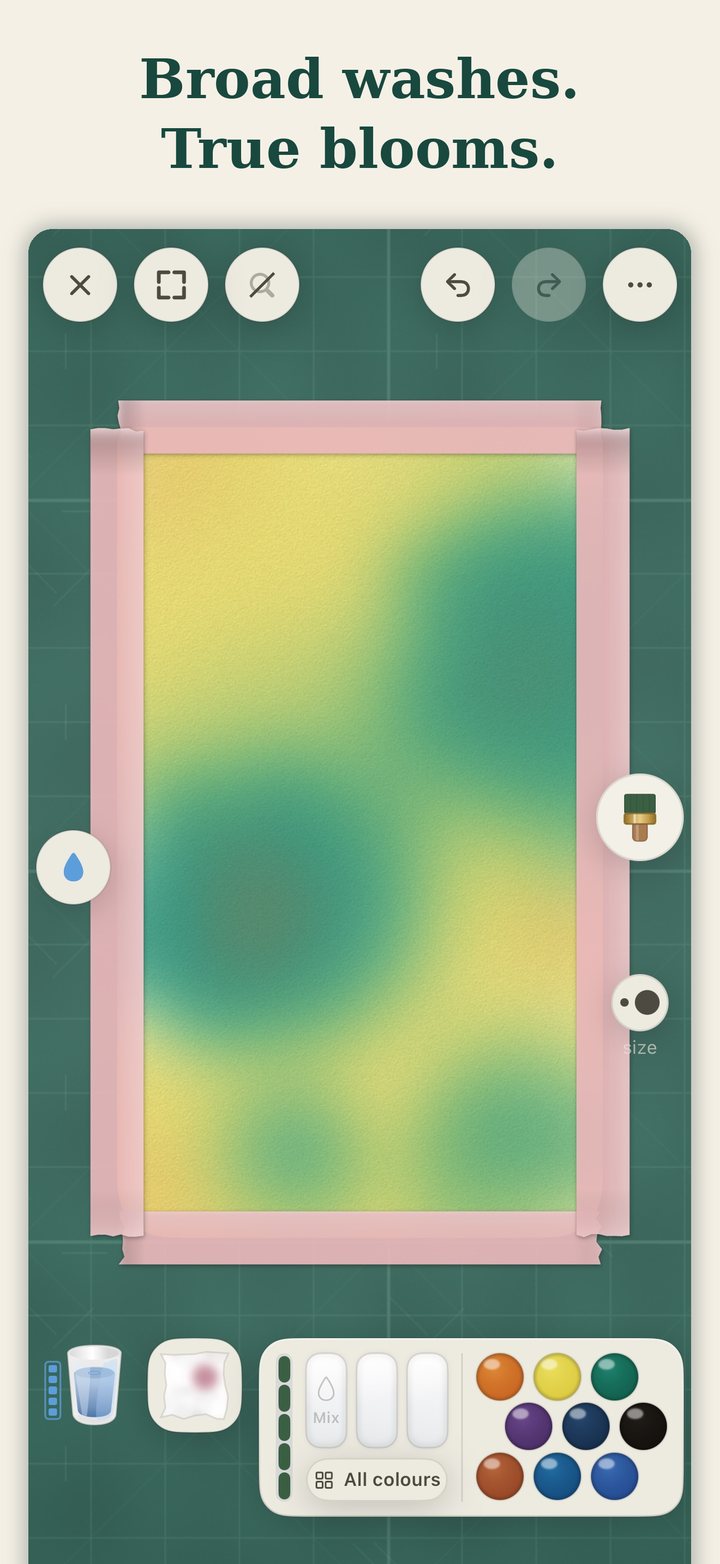
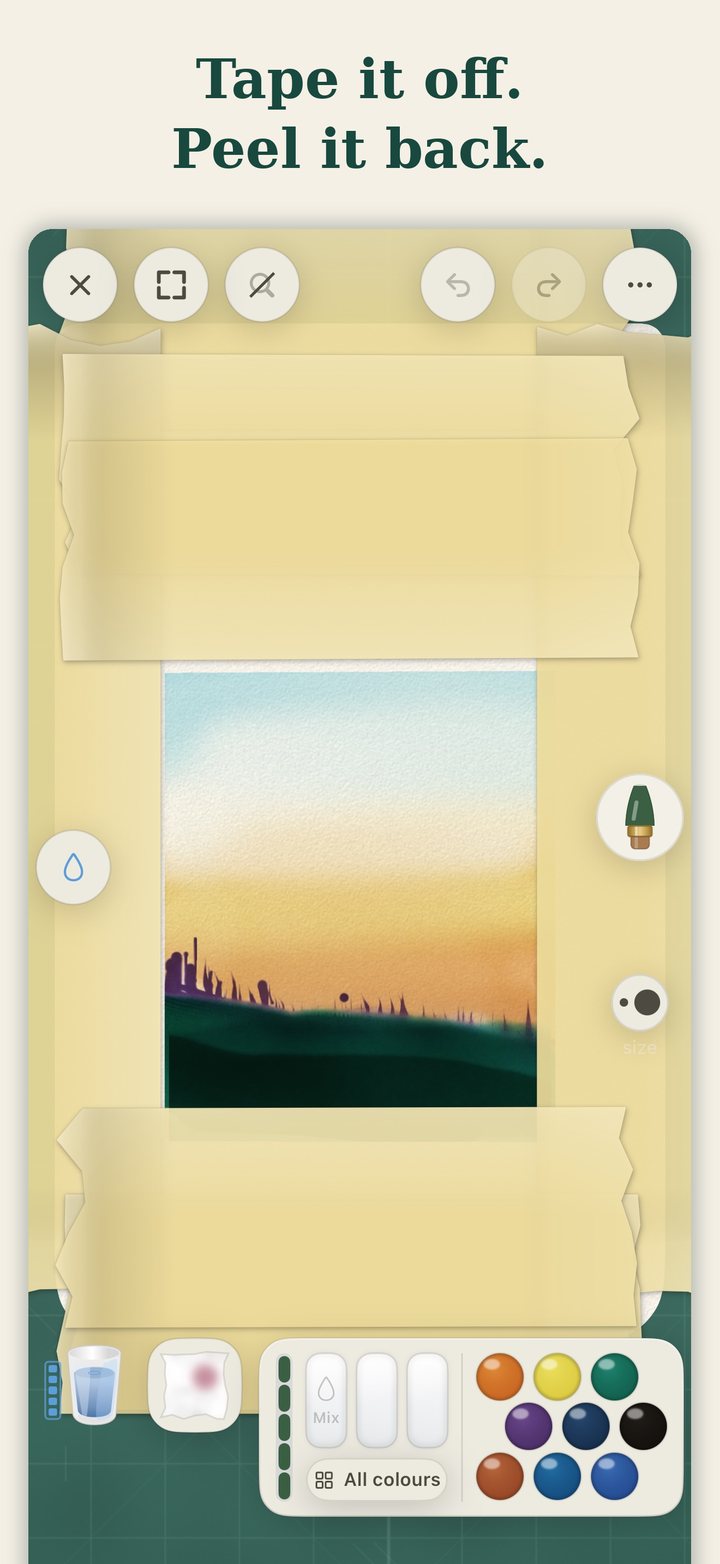
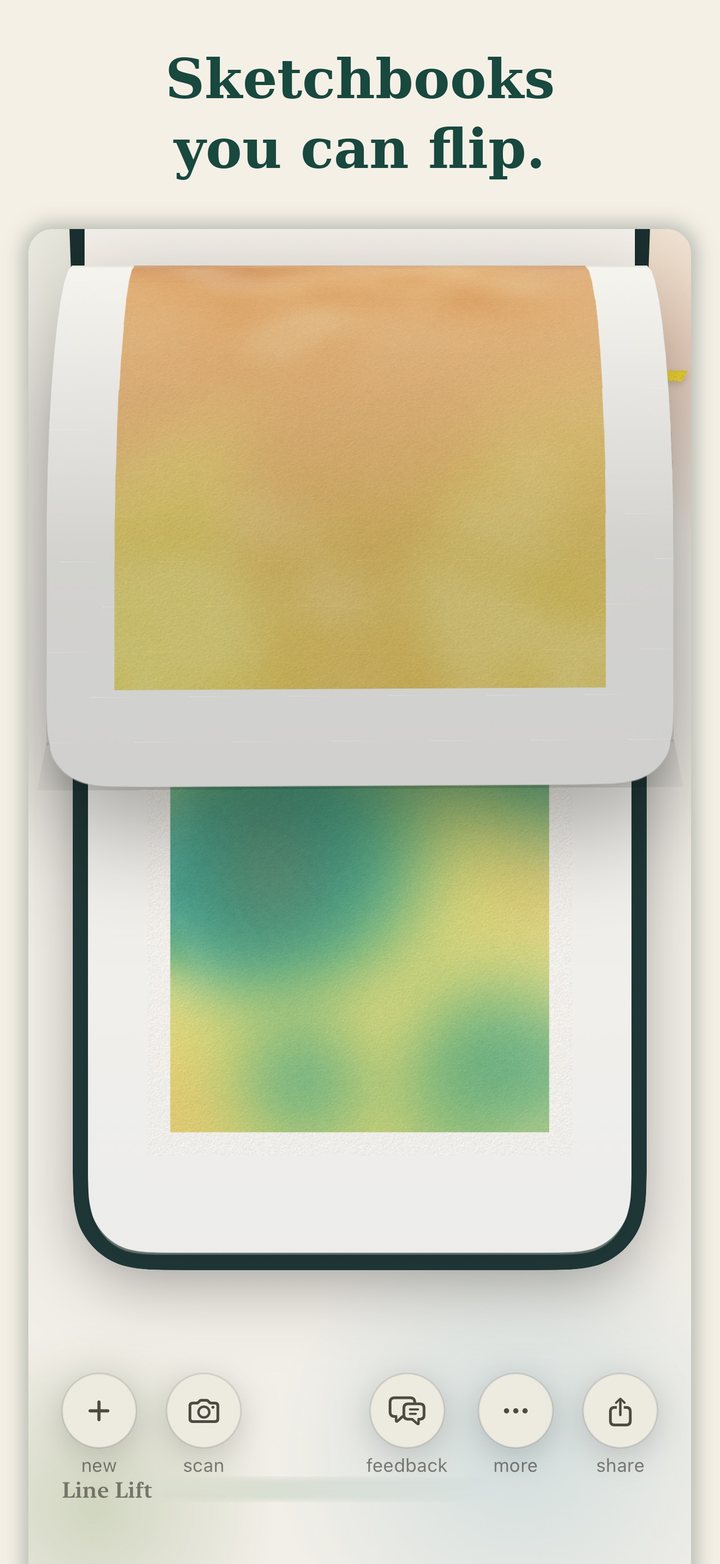
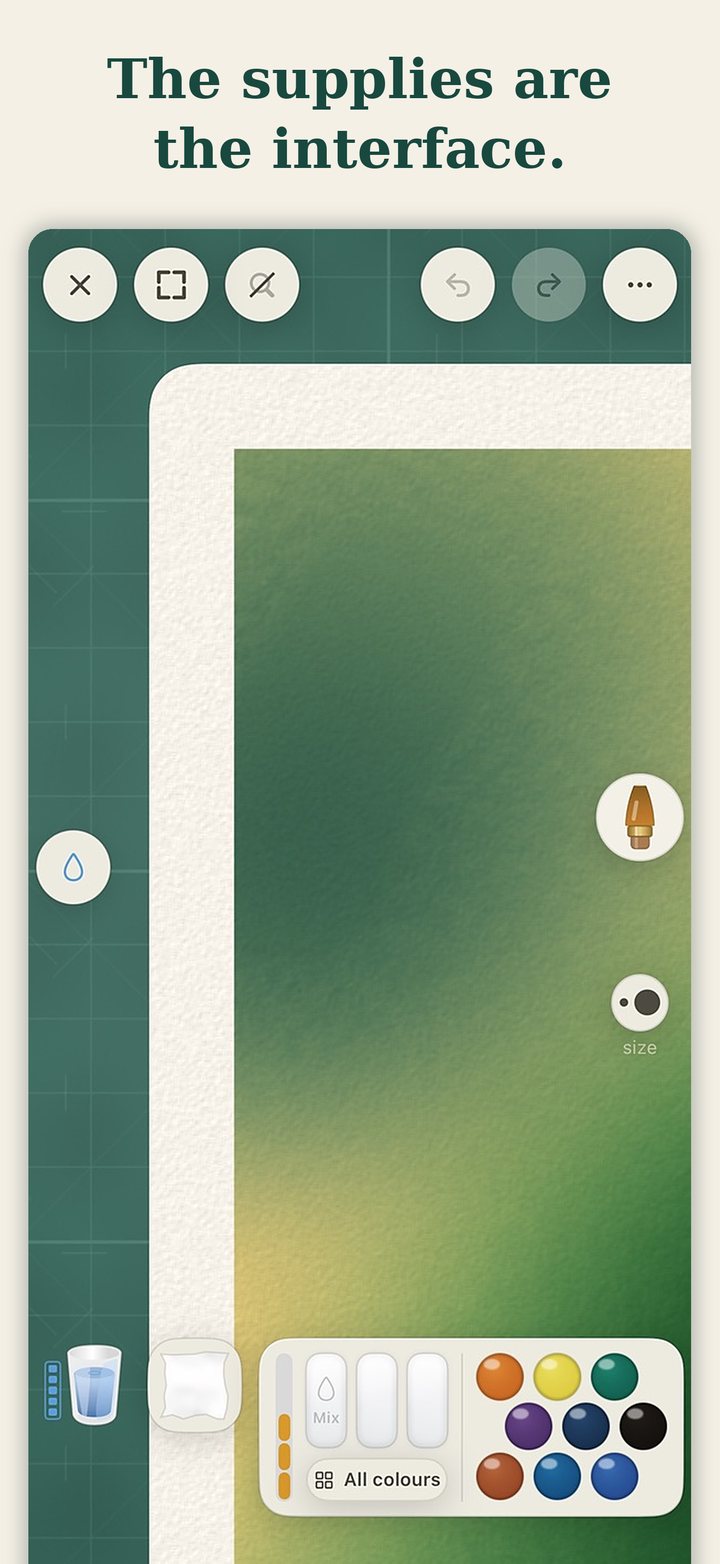
The tools sit around the edge of a cutting mat rather than in a toolbar. There is a palette, a glass of water, washi tape for masking, and a sketchbook you flip through. Tilting the device moves pigment across the wet surface. A drying tool ends a wash when you want it ended.
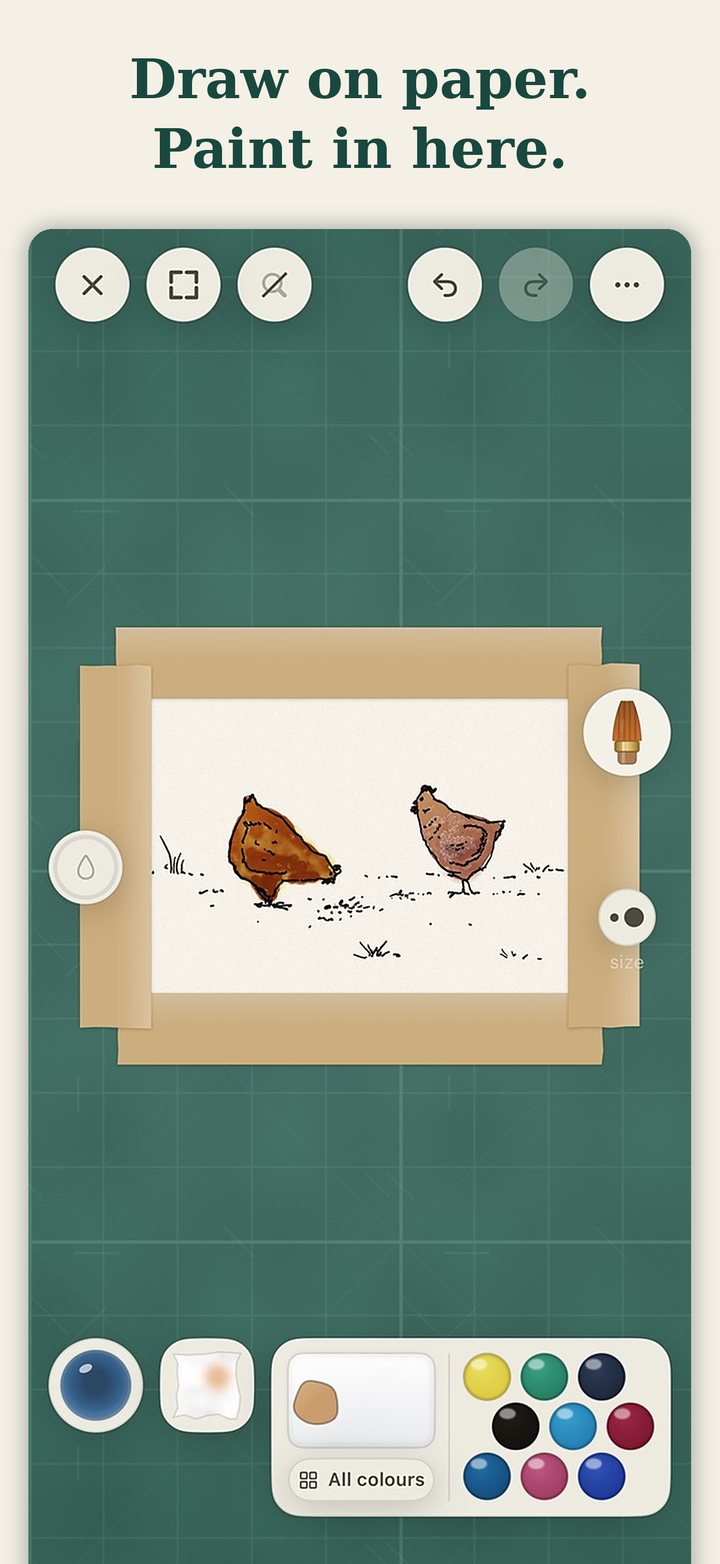
A pencil sketch of two chickens on paper, taped down on the desk and ready to paint

Draw on paper, paint in here

Tools arranged around the edge of a cutting mat like a physical desk

The supplies are the interface

A broad wash blooming between masking tape edges

Broad washes, true blooms

Washi tape masking the edges of a painting, peeled back to reveal a clean border

Tape it off, peel it back

A sketchbook page being flipped to reveal the painting beneath

Sketchbooks you can flip

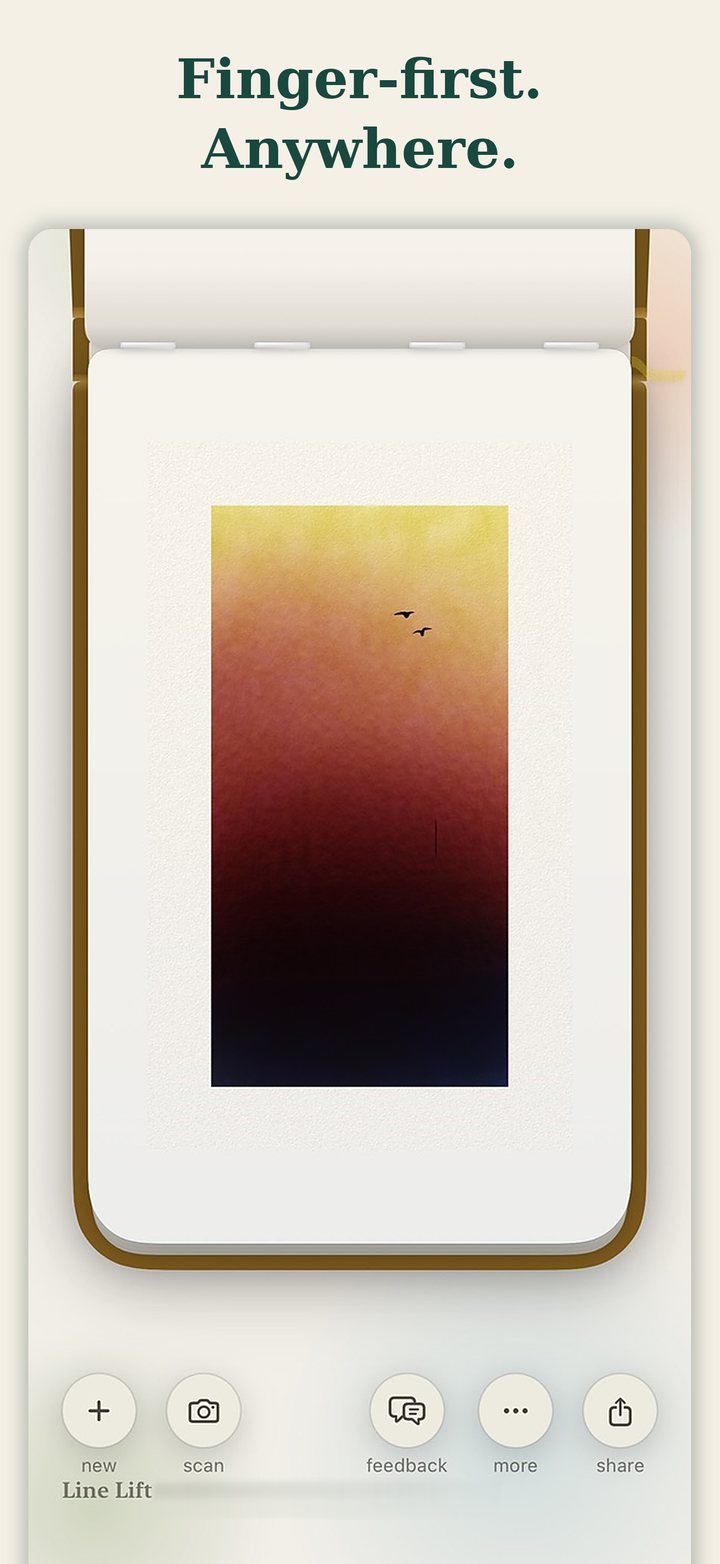
A painting made with a finger rather than a stylus

Finger first, anywhere

An app that sits alongside the paper, not instead of it

Line Lift is built to work together with drawing and painting on paper rather than to replace it. That decision is why the interaction stays as close as it does to physical metaphors. The tools are the supplies. There is a palette, a glass of water, tape for masking, and a sketchbook you flip through, all arranged on a cutting mat instead of collapsed into a toolbar.

Tilting the device moves pigment across the wet surface the way tilting a real sheet of paper does. It is the one gesture in the app that needs no explanation to anyone who has held a wet painting at an angle to see where the colour runs.

I stayed close to physical metaphors because that is what keeps the flow when I sketch and paint on my phone. I wanted the best parts of the creative experience to survive the move to a screen.

The hard part underneath is that watercolour is difficult to fake, because people who paint already know what it does. Pigment spreads differently into a wet edge than a dry one, two colours meeting on damp paper do something no colour picker can describe, and a wash that dries at the wrong moment is simply a different painting.

Most of the engine work went into when the paper is wet and how quickly it stops being wet, because that is what decides whether a mark blooms, feathers or simply sits there. A drying tool exists so a wash can be ended deliberately rather than waited out.


01

Design and code as one activity

Working alone means designing and building are not two stages. A question about how paint should behave gets answered by changing the engine and running it, rather than by drawing a picture of the answer and handing it over. Line Lift has been native iOS since the first version, so there was never a prototype that had to be thrown away and rebuilt.

02

Claude in the loop, throughout

The model is part of the working method rather than a tool I reach for occasionally, across design exploration and code both. The practical effect is that improving my own painting practice and shipping a product stopped being a choice between two things. What would otherwise have stayed a hobby prototype became something on the App Store, with releases going out most weeks.

03

Tested with people who paint

The app went through sessions with people who actually paint, then a TestFlight group before the first release, and the beta group still gets each build ahead of the store. Those sessions keep finding things I had stopped being able to see. Whether the tools read as tools, and what a blank first page tells someone who has just opened the app, have both come back more than once.

Live

Released on the App Store on 5 September 2026. Free, no account, iPhone and iPad. Designed, coded and shipped by one person.

1.4

Five versions in the first month. 1.4 added the Drafting Set, a ruler, folding rule, ellipse guide and French curve for the ink pens, and the first thing for sale in the app.

3 languages

English, Japanese and Korean, in the app and on the store pages since 1.3. Still changing because of what testers and the analytics say.

01
One person can now ship a real product

Not a prototype and not a demo, but something on the App Store with people using it, and updates going out. That was not true a few years ago for a designer working alone, and it changes what is worth starting.

02
The user I know best is me

I paint most days, so I am the first user of everything I build here. That shortens the feedback loop to nothing, which is the advantage. It also means I stop noticing what is confusing, which is the cost, and the second half is much easier to forget than the first.

03
Testers see the first run, I never will

The sessions kept returning to things I had solved so long ago that I could no longer see them. Whether the tools read as tools, and what a blank first page says to someone who has just opened the app for the first time.

← Design Tools All work Machine Kitchen →