Three parametric generators, bubbles, wallpapers, motion heroes, built by asking AI to build the tool, not produce the output.
The approach
The common thread across all three: instead of generating an output with AI and reprompting until it's right, I describe the visual system and ask Claude to build a tool with sliders. Then I play the tool.
This shifts the creative work to where it belongs, with the designer, and removes the bottleneck of prompt negotiation. You explore a much wider design space, and you get exactly where you want to go.
If you can describe the controls of a visual system, you can explore it far more efficiently than iterating prompts. The tool becomes the creative interface.
Asset generator
The first in the series. I needed a distinctive animated visual system for a design asset, not a stock video, something that felt generated and alive.
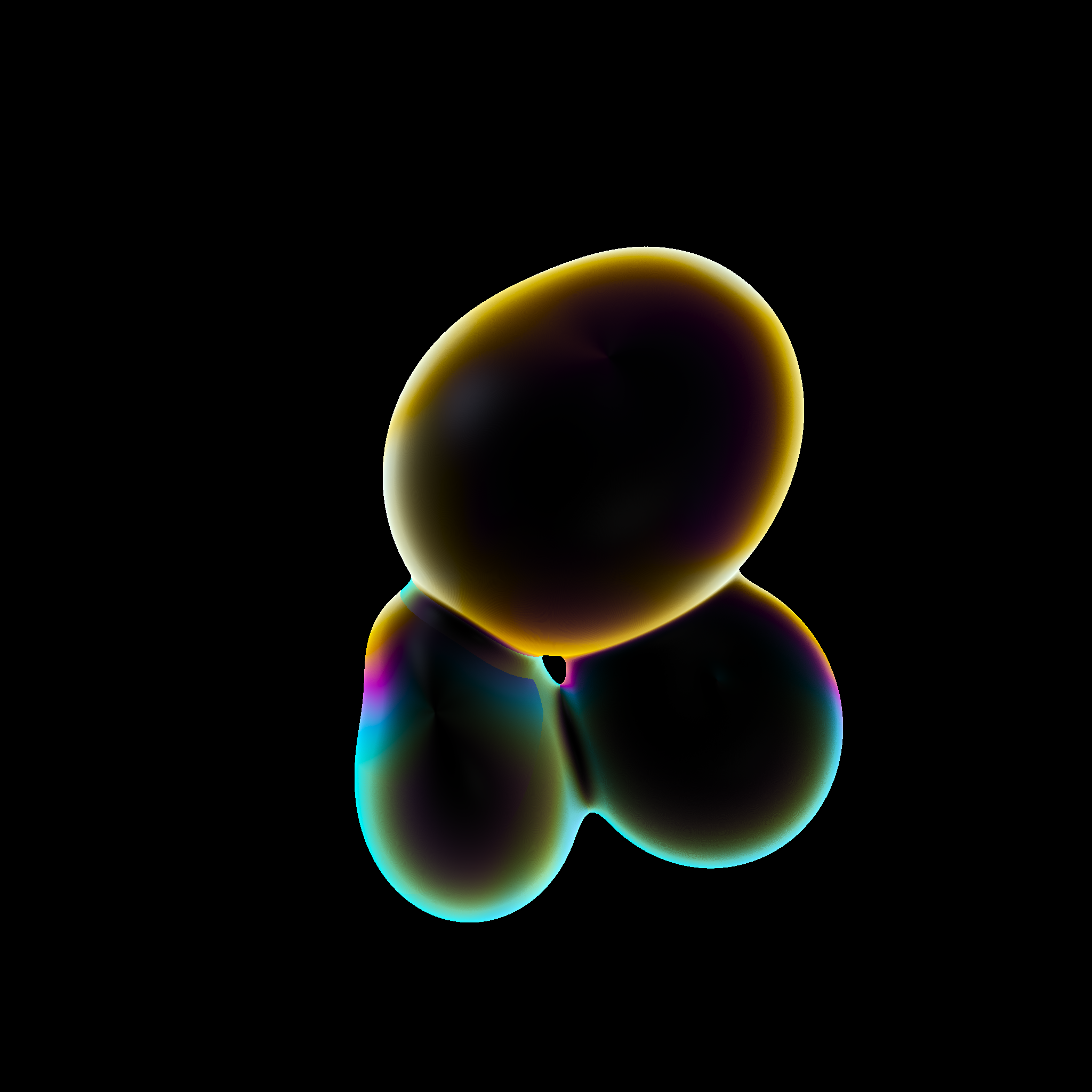
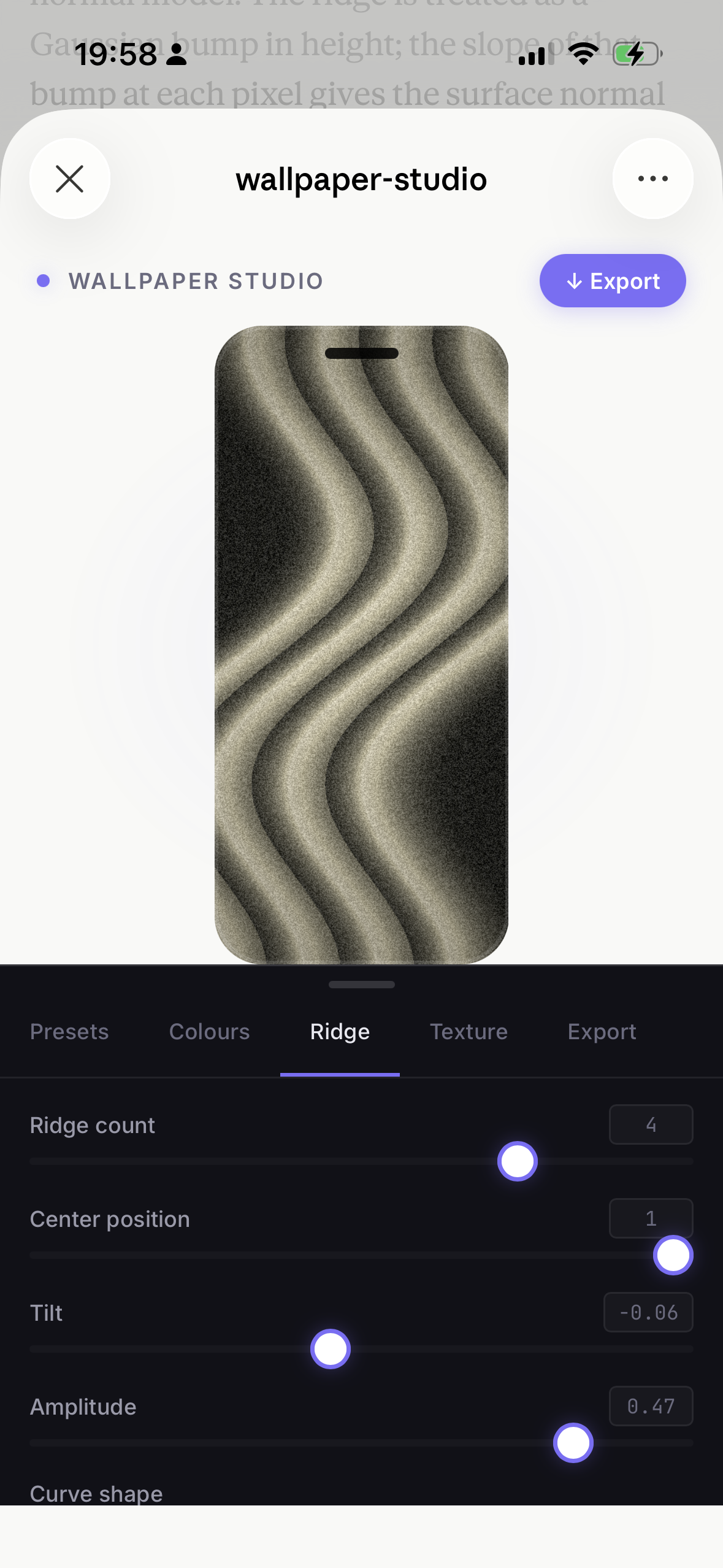
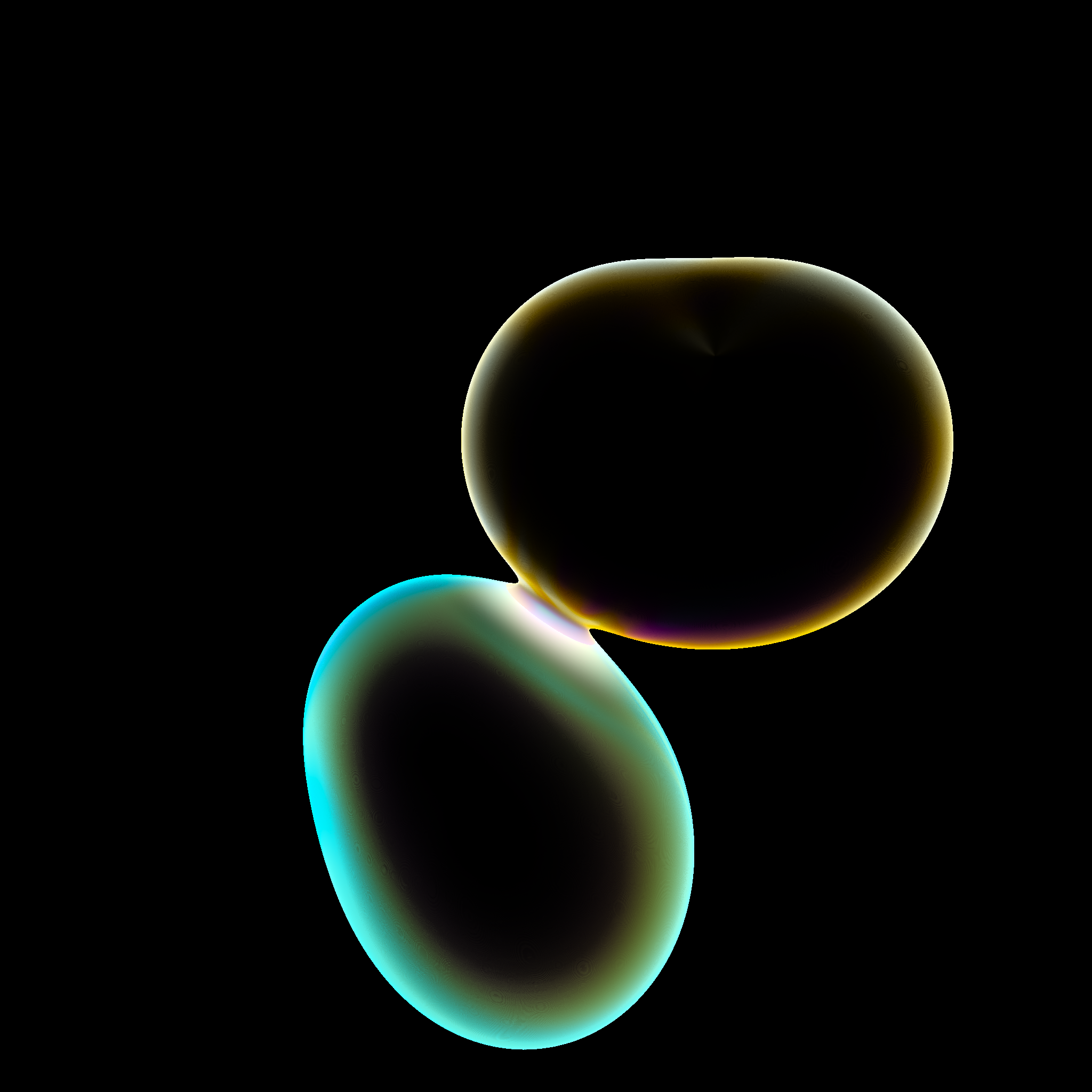
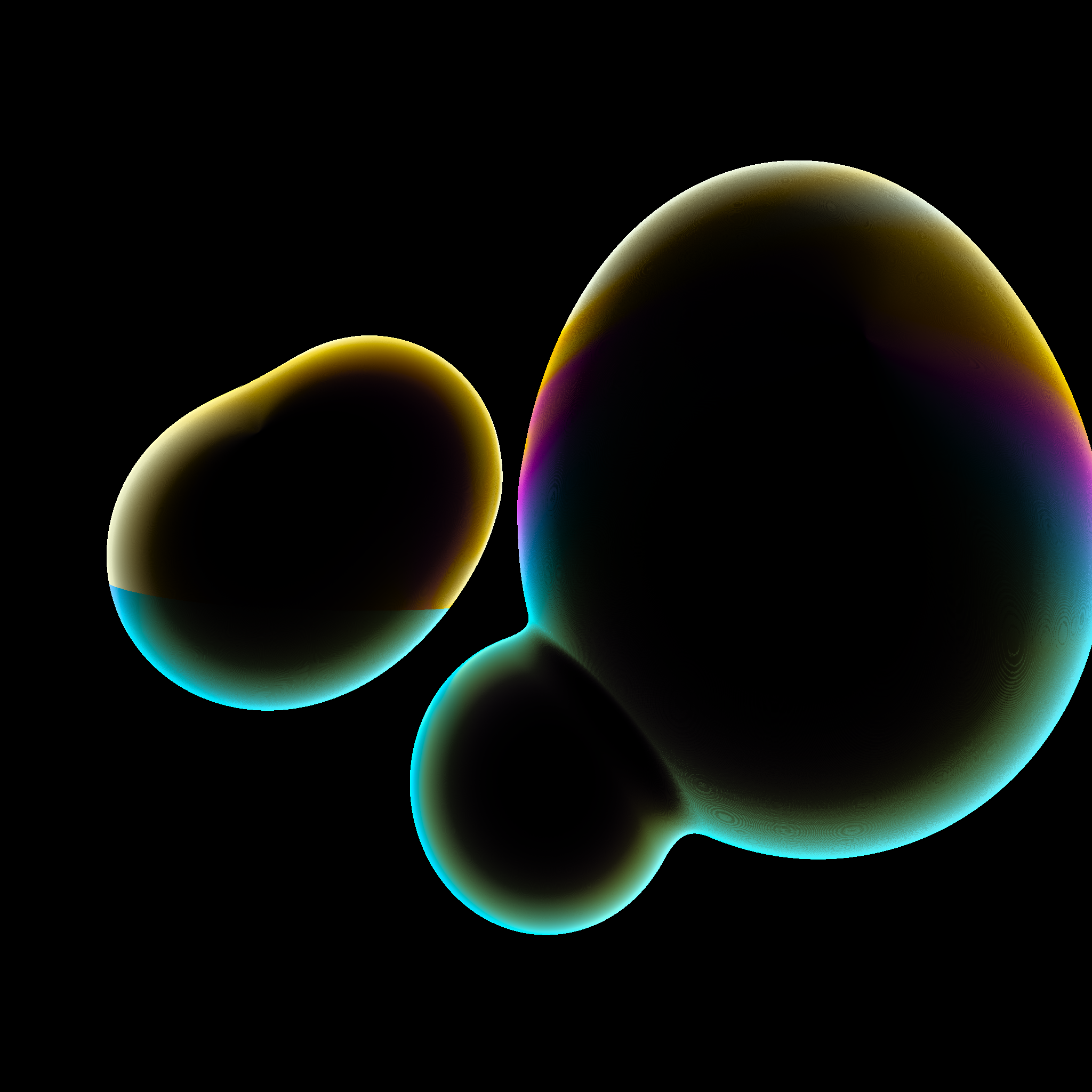
Rather than prompt Midjourney or RunwayML until something looked right, I asked Claude to build a WebGL renderer with controls for: sphere count, size variance, velocity, attraction forces, colour palette, glow, and bloom.
The output is a looping .webm, ready to drop into any hero, cover, or presentation background. Export at 1024×1024 or 2048×2048.
Try Bubble Studio →
Phone wallpaper generator
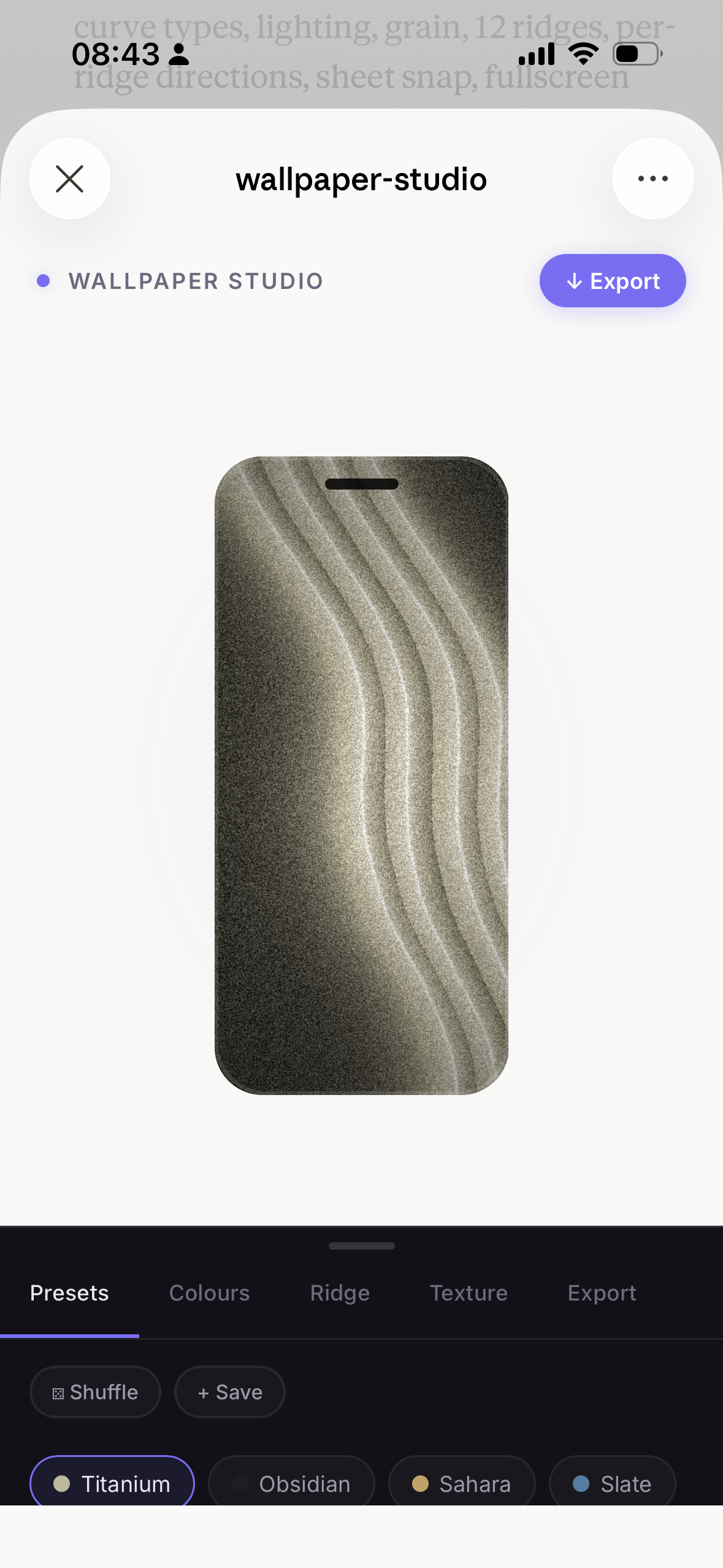
A refurbished iPhone arrived with a wallpaper from a few years back, wavy, grainy, tactile. I wanted to recreate it and then some.
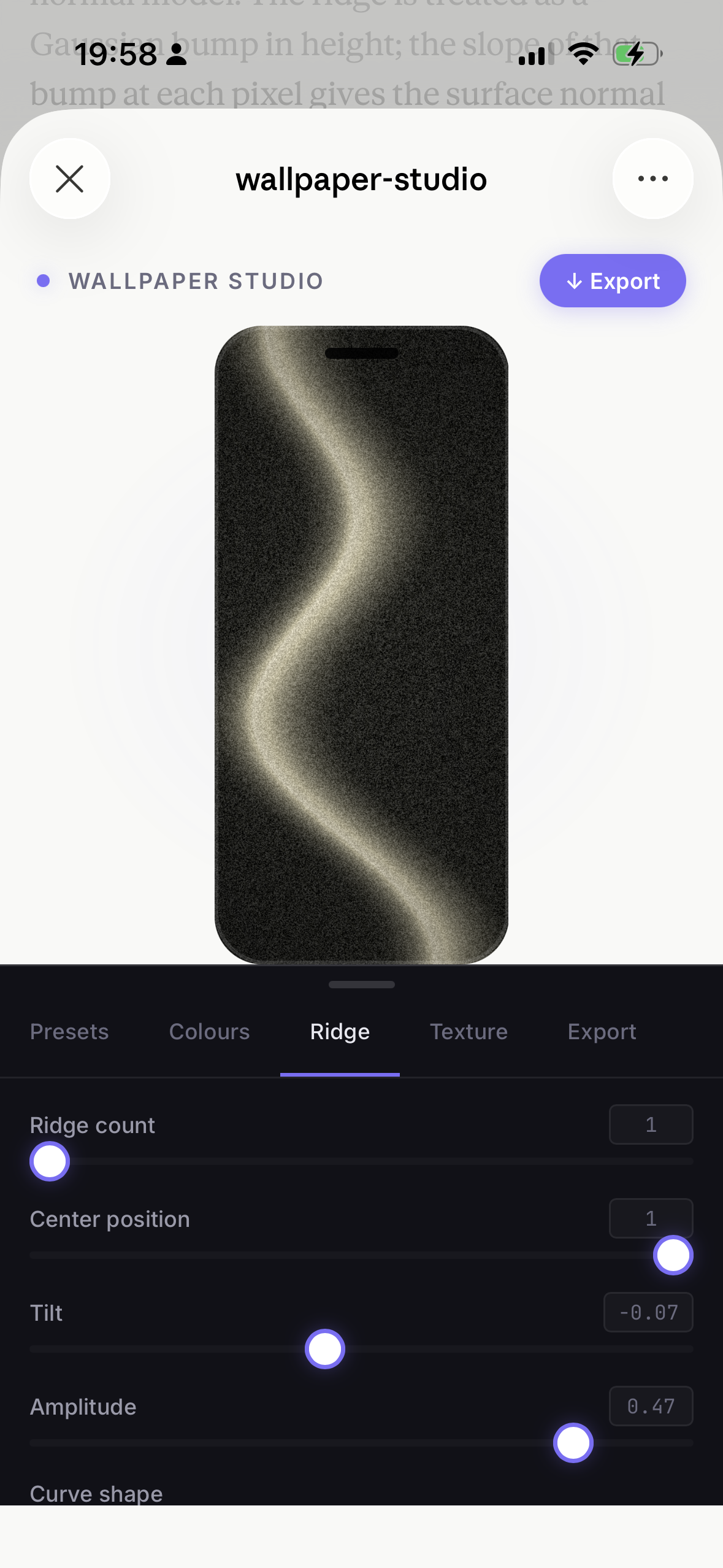
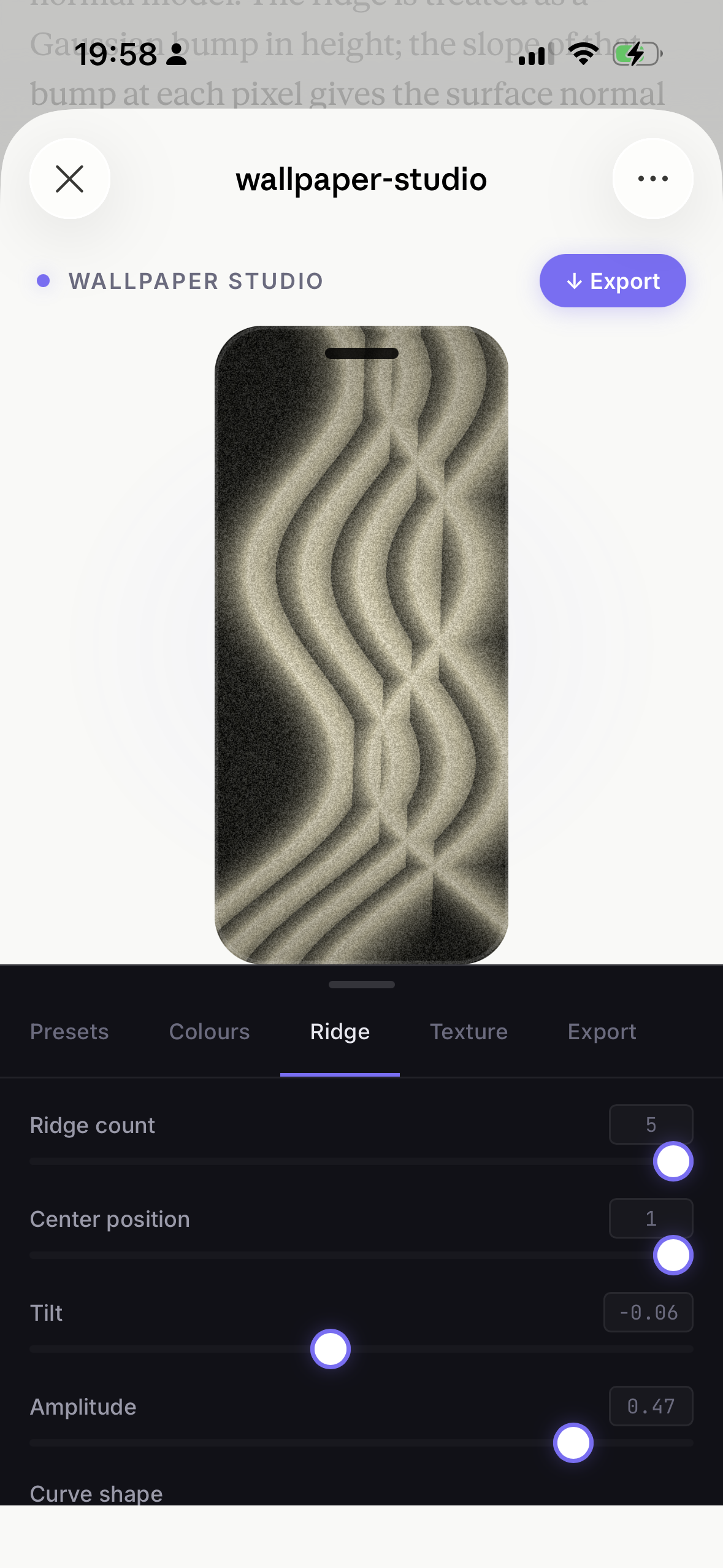
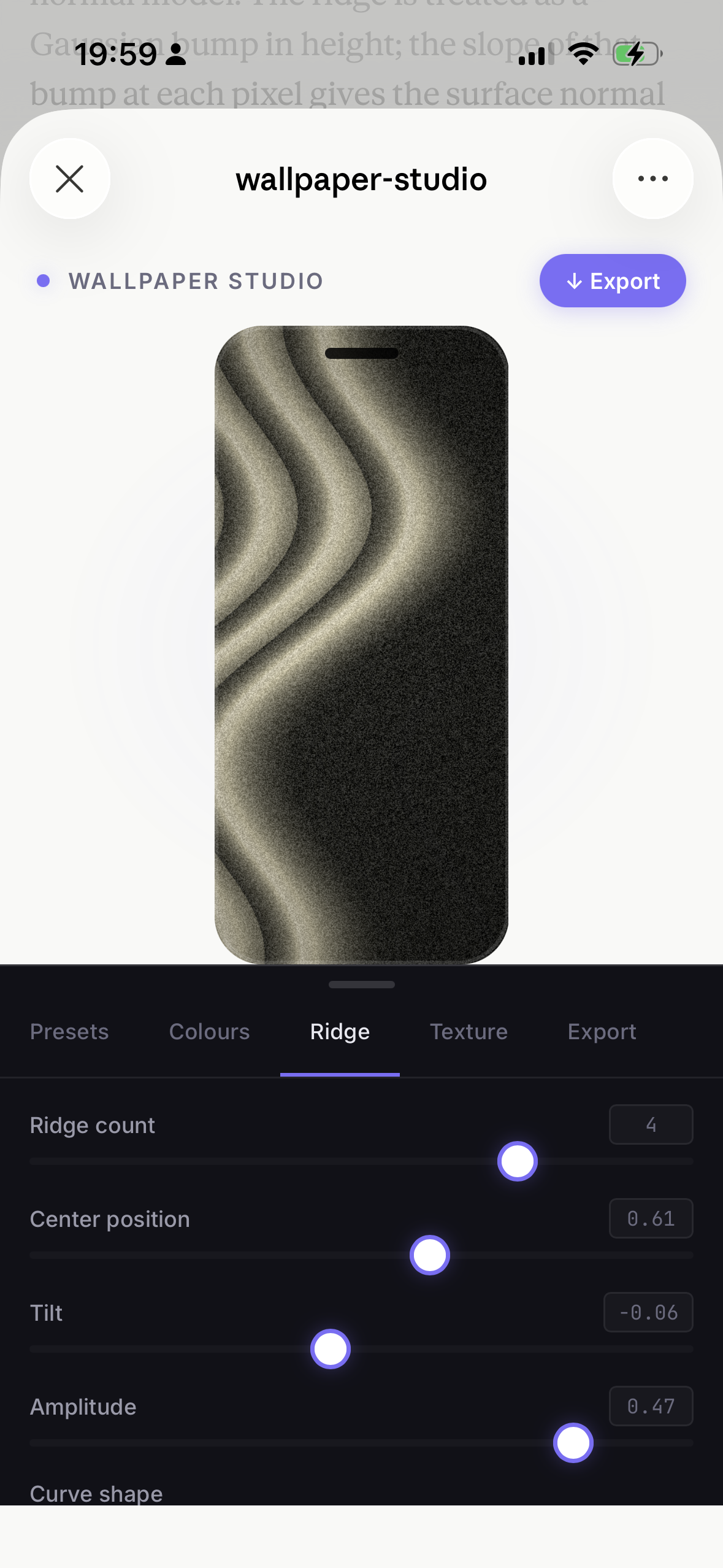
I described the visual system to Claude: ridges, lighting model, grain, curve shapes. Claude built the Canvas renderer and the controls panel. I played the controls until the texture felt right, then kept going.
Controls: ridge count, amplitude, center position, tilt, curve shape (cubic / wave / arch), organic warp, edge sharpness, shadow depth, light direction, light elevation. Four named presets. Shuffle. Export at full phone resolution.
Try Wallpaper Studio →Animated hero backgrounds
Web hero areas are often stuck between stock footage and static gradients. This generates something in between, animated, branded, and fully controlled.
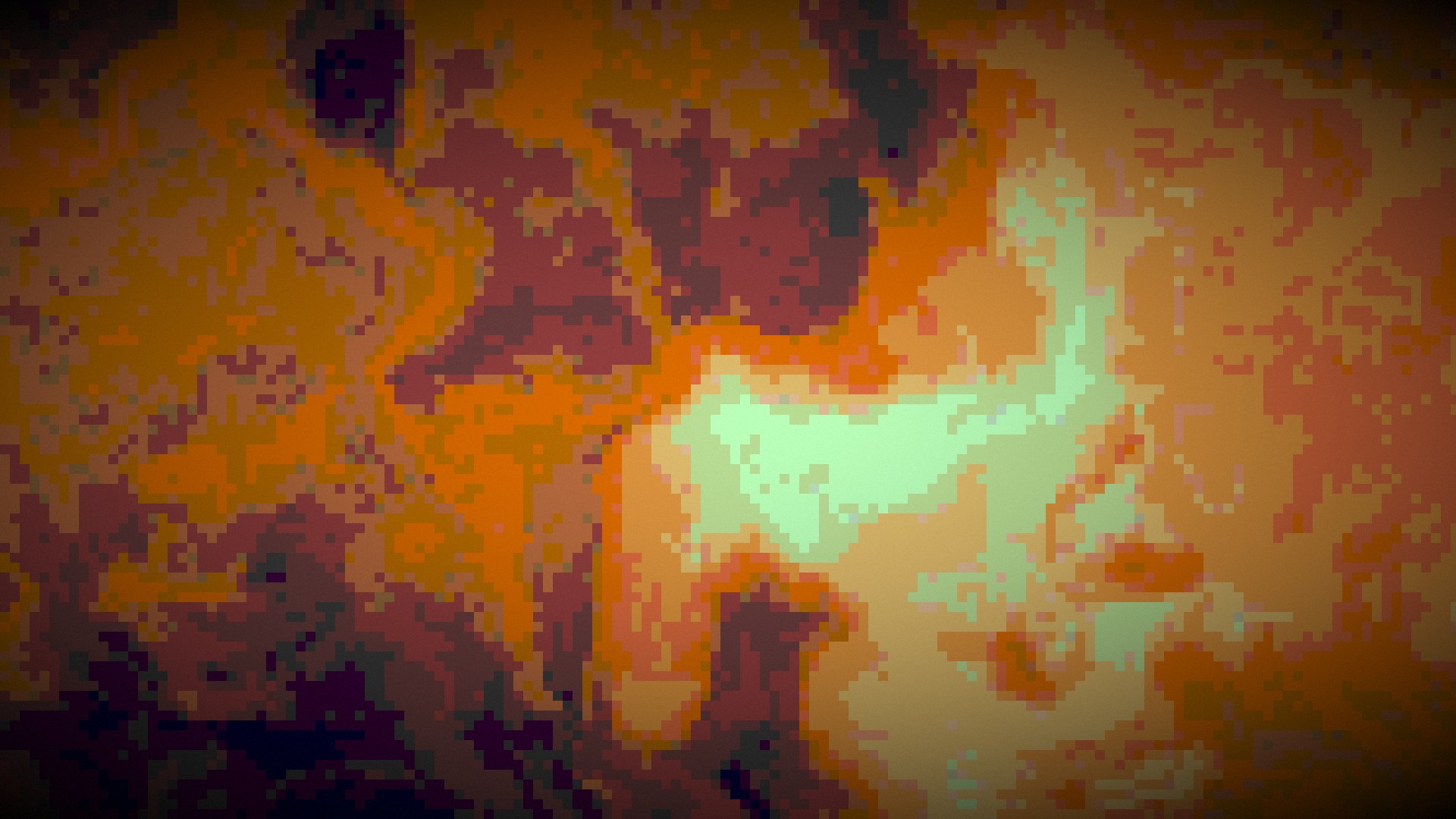
The tool has four distinct rendering engines: Liquid (fluid simulation with warp depth), Ink (diffusion-based bleed), Dots (noise-driven halftone grid), and Pixel (quantised noise blocks). Each mode has its own parameter set plus shared post-processing: contrast, grain, colour.
Eight colour presets, Ocean, Twilight, Forest, Ember, Aurora, Cosmos, Rose, Slate, plus custom. Shuffle Vibe randomises everything at once. Export as .webm loop or as a self-contained Hero HTML file that embeds directly into any codebase.
Try Hero Generator →Rendering modes
The pattern
Each tool started from a specific visual itch, an animation I couldn't find, a texture I wanted to recreate, a hero background that didn't exist yet. The method was the same each time: describe the system, build the controls, explore.